Blog

Tips and tutorials about the design and build of web interfaces

Get up to speed with scroll snap points
Code

Get up to speed with scroll snap points

Scroll snap points is the answer to the need for JavaScript carousels, to an extent. As browsers gain more and more new features in CSS, it’s important to keep up to date with them. As the generalisation is; where you can replace JavaScript with CSS you gain performance improvements. Carousels in my experience are a good chunk of the need for JavaScript on the average website. So I’m very interested at the prospect of using scroll snap points to replace that.

Maintenance week #3
Website

Maintenance week #3

Maintenance weeks are where detail website tasks, instead of a regular post. I spend time fixing bugs, updating grammar and posts in general, as well as adding featured images. It varies what I will do, and this posts serves as detailing what has been done.

How to: datepicker styling using Illustrator
Design

How to: datepicker styling using Illustrator

Following on from the datepicker post where it was more about getting the basics in place and focusing on some important Illustrator techniques that allow for accuracy and efficiency. This post will focus on guiding you through the process of making the datepicker easy to understand and have better aesthetics.

How to: datepicker using Illustrator
Design

How to: datepicker using Illustrator

In this post I’m going to show you how to make a datepicker efficiently. A reasonably common user interface element, but can be a source of frustration, to make in design applications. Due to the grid, and amount of items in that grid it can be difficult to align everything…

Illustrator quick tip: export 2x with a 1x canvas
Design

Illustrator quick tip: export 2x with a 1x canvas

So you use Illustrator for designing websites, and that could be because you’re on a retina screen and Illustrator is vector. So you can design at 1x and it not matter, at least that’s the case for me. However, when it comes to exporting it’s a pain, you can use ‘Save to Web’ and increase the size to 200%, but that’s tedious. You know how to export SVG, but exporting PNG files is the issue at retina sizes. In this post I will show you how to overcome that.

How to: swatches in Illustrator
Design

How to: swatches in Illustrator

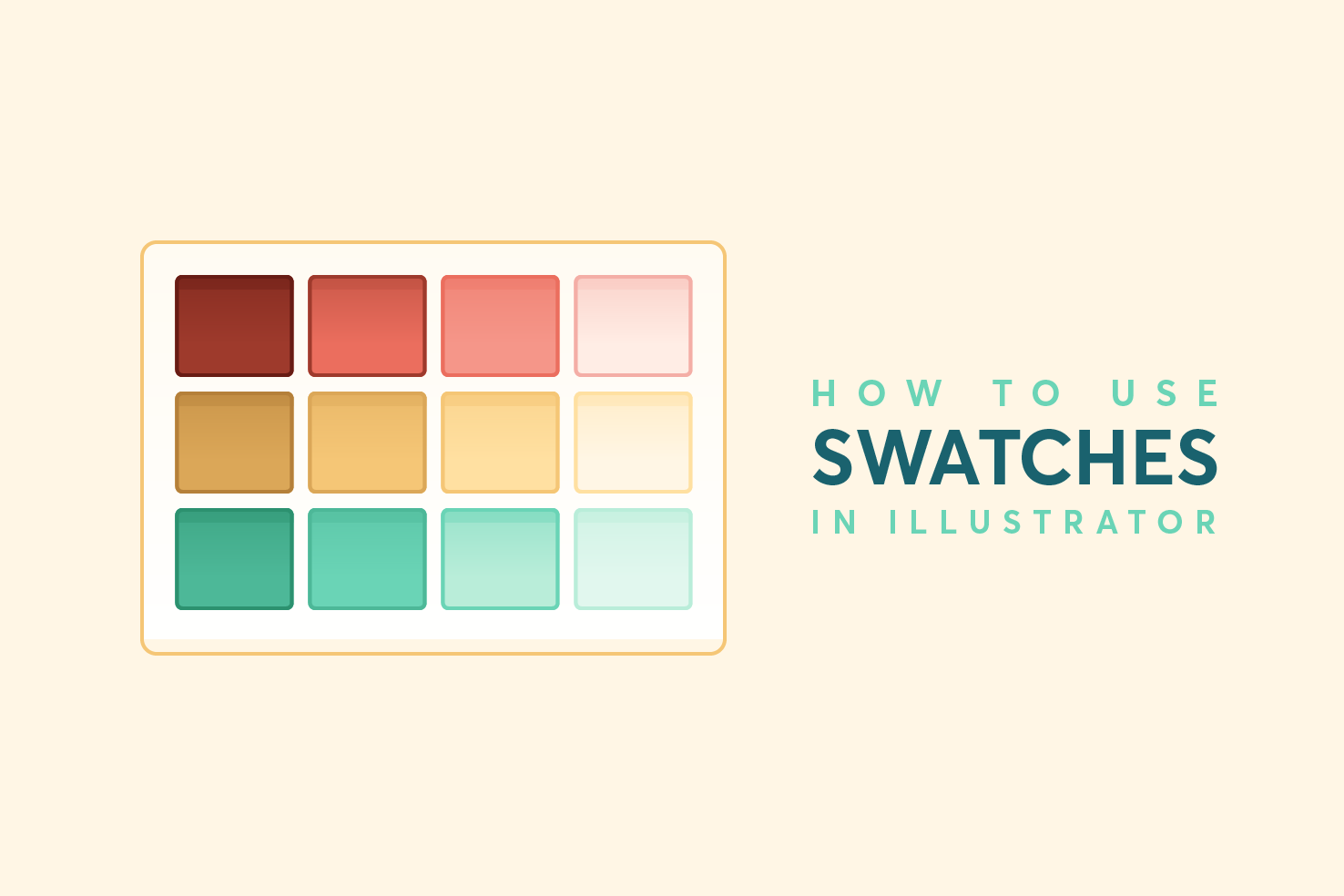
Swatches in Illustrator isn’t something I have used very often. Partly this has been down to being unsure of the best way, and not trusting that they will remain there. As there are random ones to begin with that you will never use and the process of deleting them seems annoying each time. In this post I’ll show you the best way to clean up existing swatches, add your own and keep them updated.

Tools I useTools I use
Design

Tools I use

I figured I would write a post about the tools I use. Some will be familiar, but hopefully there are some that are unfamiliar and end up being useful to you.
Hero area series: HTML, CSS & responsive
Design

Hero area series: HTML, CSS & responsive

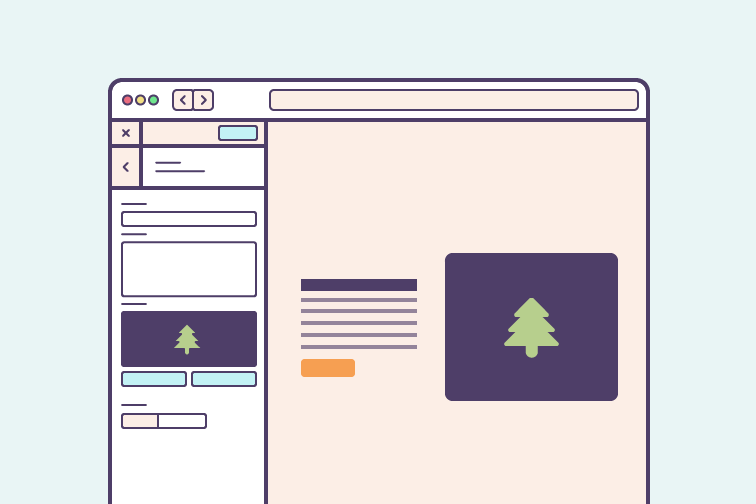
The second to last post in this series, coding the page. You’re going to build the page using flexbox and make it responsive. The method that will be used to make it responsive, is mostly mobile first, but it will be making logical decisions based on where CSS only needs applying. This saves you from having to undo it in another media query.

Hero area series: designing for small screens
Design

Hero area series: designing for small screens

The focus has been very much desktop so far, but considerations have been highlighted throughout for smaller screens. I will only cover ‘mobile’ sized resolutions, as for this particular layout you will only need to make minor adjustments for ‘tablet’ sized resolutions.

Hero area series: plan & design
Design

Hero area series: plan & design

This is the start of a series where I’m going to take a common design pattern and go through the process of planning, designing and code. It will follow the process I go through to make websites, but taking a smaller component. The pattern you will focus on within this series is a hero area.

Ways to get post thumbnails in Wordpress
Code

Ways to get post thumbnails in Wordpress

With Wordpress there are a lot of ways to the same thing, for good reason, sometimes you can’t do it one way or the other. This can make it tricky to remember how to do it for each instance. At least this is the case for me. I want to use this post to serve as a guide for each method of doing so. I won’t be covering their parameters, just the necessary steps to retrieve an image.

iamsteve • design & code blog